.png)

Updated March 26, 2026
Most online courses see completion rates below 15%. That has nothing to do with the quality of your curriculum and everything to do with how (and whether) you reach clients once they've paid and stopped logging in.
Facebook group posts reach a small fraction of your members due to algorithm throttling. Email competes with hundreds of other messages in a crowded inbox. Push notifications, by contrast, arrive directly on the lock screen of your client's phone. If your course content lives behind a browser tab and your reminders rely on platforms you don't control, clients often drift. This guide breaks down exactly how push notifications work, automation sequences coaches use to drive completion, and what to look for when choosing the right no-code app builder for your coaching business.
Why course completion drops (and how push notifications fix it)
The average self-paced online course sees a completion rate between 10% and 15%. MOOCs often fall to 3-6% in the same research. Even well-structured paid programs land in that low range when there's no reliable mechanism to pull clients back after the initial excitement fades.
The root cause is straightforward: your clients are on their phones, and your reach is not. Social algorithm changes throttle organic posts to a fraction of your audience overnight. Email competes with hundreds of messages and requires the user to open an app, find the right thread, and click through. Push notifications, sent from a native mobile app, appear on the device lock screen within seconds of sending, regardless of whether your app is open.
For contextual pushes sent based on user behavior (not batch-blasted to your full list), targeted messages typically see higher open rates than generic broadcasts. When coaches combine push notifications with structured challenges and in-app community features, some report higher completion rates of 15-30% within 90 days. That lift moves a program from 12% average completion to 14-16%, which translates directly into stronger testimonials, better renewal rates, and reduced churn.
The contrast with social posts or email is not just statistical. Push notifications arrive on the lock screen and do not require the user to open a browser, check a tab, or scroll past ads. They are a direct tap on the shoulder at the moment you choose.
The mechanics of push notifications in coaching apps
How push notifications actually work
When a user downloads your branded app and grants notification permissions, your app builder registers a unique device token with Apple's APNs (Apple Push Notification service) or Google's FCM (Firebase Cloud Messaging). From your dashboard, you write a message, set a send time, and choose your audience segment. The platform sends the message to Apple or Google's servers, which deliver it to the device within seconds, whether or not your app is open.
For coaches, this means you can alert a client that their Week 3 lesson is live, remind them a live session starts in 15 minutes, or congratulate them on completing a module, all without requiring them to open an inbox. Passion.io handles the technical connection to APNs and FCM, so configuring Apple Push Notifications from your developer account is a configuration step, not a coding project.
Key push notification features to look for in an app builder
Not every app builder handles push equally. Before choosing a platform, check for these key capabilities:
- Segmentation: The ability to target specific user groups (new signups, inactive users, challenge participants) separates strategy from spam. Platforms that support multiple custom segments consistently outperform those sending to an unsegmented full list.
- Behavioral triggers: Notifications triggered by user actions (completing a module, missing a check-in, reaching a milestone) land when they're most relevant. This is the foundation of effective re-engagement.
- Scheduling with time-zone awareness: Sending at 2AM local time costs you opt-outs. A solid platform lets you schedule by the user's time zone, not your server time. Industry best practice points to 9AM-8PM in the recipient's local time zone as the safe window.
- Personalization: True personalization references what a user did or didn't do, not just their first name. "You're 2 lessons from finishing Week 1, [Name]" outperforms any generic log-in reminder.
- Rich media support: Images and emojis consistently improve engagement and help messages stand out on a crowded lock screen.
- Analytics: You need click-through rates and opt-out rates at the segment level, not just total sends, to understand which message types work and which drive people to disable notifications.
- Deep linking: When a user taps a push, they should land directly on the relevant lesson or community post, not the app home screen. Deep linking reduces the friction between the notification and the action you want.
Passion.io's custom notification features cover all seven, and you can extend notification workflows using Zapier integrations, including automated triggers when community members comment or when clients hit goal-tracking milestones.
5 ways coaches use push notifications to increase engagement
Sending three notifications a week that say "Don't forget to log in!" is a fast path to opt-outs. The goal is intentional, value-driven messaging. Here are five sequences that work.
Automated onboarding sequences
Run this sequence to build the app-opening habit during the first week of onboarding:
- Day 0 (welcome): "Your app is ready. Start with Lesson 1 - it's only 8 minutes."
- Day 2 (first check-in): "You started strong. Lesson 2 is waiting. Pick up where you left off."
- Day 4 (social proof): "Completing Week 1 builds momentum. Keep going."
- Day 7 (milestone prompt): "One week in. You've unlocked [next module name]. Keep the streak going."
Each push links directly to the relevant lesson, one action per notification. You can automate this entire sequence using Passion.io's workflow tools so it runs for every new member without manual effort.
Weekly challenge reminders
Consider pairing a 30-day challenge with twice-weekly push notifications that reference challenge progress. A possible cadence:
- Monday push: "Week 2 of [Challenge Name] starts today. Lesson 4 is unlocked."
- Thursday push: "Halfway through the week. Complete today's workout to stay on track."
Measure lesson completion rates in your app analytics to track the impact of your push strategy over time.
Segmented check-ins for members with declining activity
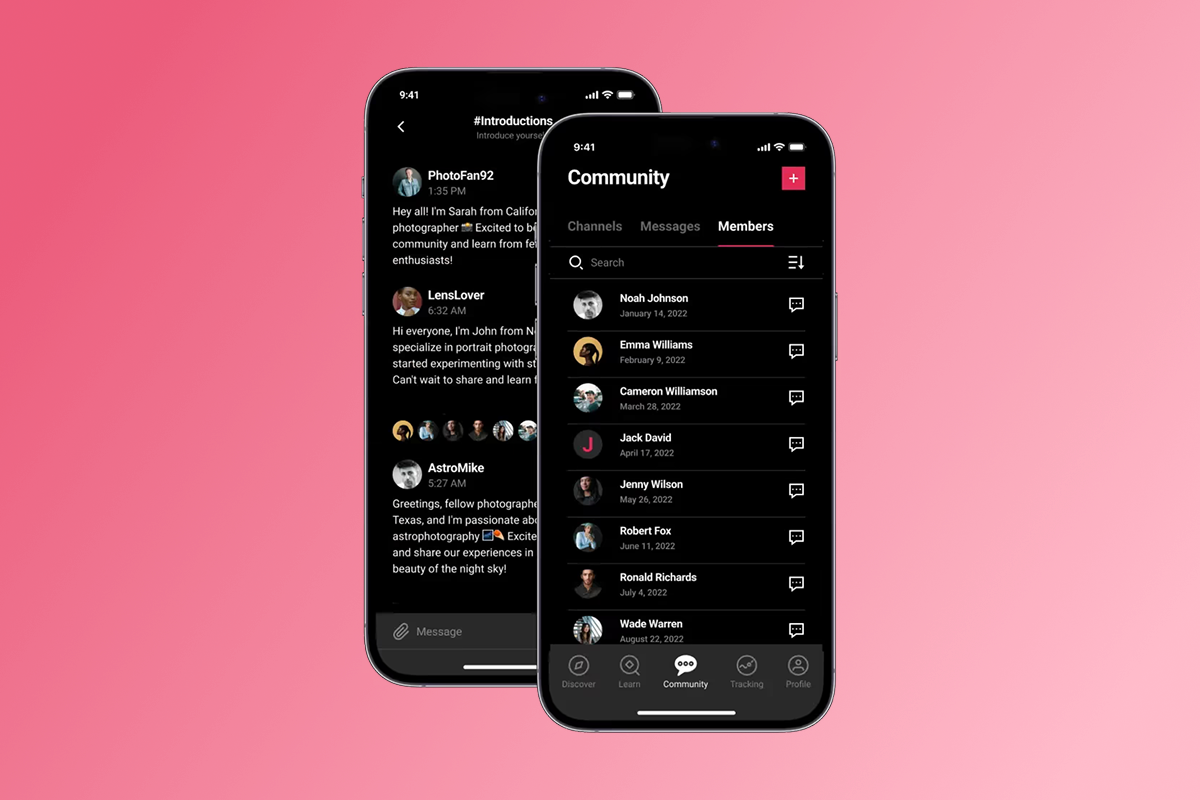
Segment users who haven't opened the app in several days and send a message tied to where they last left off. "You were 40% through Week 2 last time you logged in. Pick it back up today." is more actionable than any generic reminder. Passion.io's community and engagement features let you combine push with in-app community posts so quieter members also see peer activity alongside the direct notification. You can also use Zapier to trigger community-based notifications when specific actions occur.
Live session alerts
A push sent 15 minutes before a live Zoom or YouTube session spikes attendance compared to email-only reminders, because it arrives when people are already on their phones. The format that works best: one line, one action. "Your live Q&A starts in 15 minutes. Tap to join now." For recurring sessions, schedule these alerts in advance so they run automatically for every date.
Milestone celebrations
Automated congratulatory pushes when a member completes a module or reaches a challenge milestone can reinforce the behavior you want repeated and create a moment worth sharing. Completion certificates often trigger a similar mechanism. A message like "You just finished Module 3. You're in the top 20% of members this month. On to Module 4?" earns its place on a lock screen when it connects effort with a tangible sense of progress.
How to evaluate the best app builders for push notifications
The most important distinction when evaluating coaching app builders is native mobile app versus web-responsive site. A web-responsive platform loads in a mobile browser and can send browser push notifications, though on iOS these only work when the site has been added to the home screen and require the browser to be running. A native iOS and Android app sends push through APNs and FCM, reaching the lock screen regardless of whether the user has the app open.
Key criteria when comparing platforms:
- Native app vs. web wrapper: Does the platform publish your content to the App Store and Google Play as a real app with your branding, or is it a mobile-formatted website?
- Push automation depth: Can you trigger notifications based on user behavior, segment by activity level, and schedule by local time zone?
- Cost of ownership: What's the all-in monthly cost, including plan fees, PassionPayments or equivalent transaction fees, and Apple/Google developer accounts?
- App Store submission support: Does the platform help you submit to the App Store, or do you navigate it solo? Google Play approval in particular can take longer than expected, as one Trustpilot reviewer noted: "the actual process of getting your app approved by the Google Play Store in particular is a lot more challenging than Passion makes it sound."
What's your current strategy for reaching clients who haven't logged in for several days? If the answer is "I post in the Facebook group," that's the gap this decision should close.
Comparing top app builders for coaching and push capabilities
Kajabi and Thinkific are strong web-first course platforms. Both offer branded mobile app options and push notification capabilities, but the mobile features are either gated on higher-tier plans or priced as add-ons. Passion.io is built mobile-first, meaning native push automation with segmentation and an in-app community are included in every plan starting at $99/month on annual billing, not reserved for enterprise tiers. For coaches whose primary engagement lever is phone-based habit-building, that structural difference matters when calculating true cost of ownership.
How Passion.io helps you launch a push-enabled app in weeks
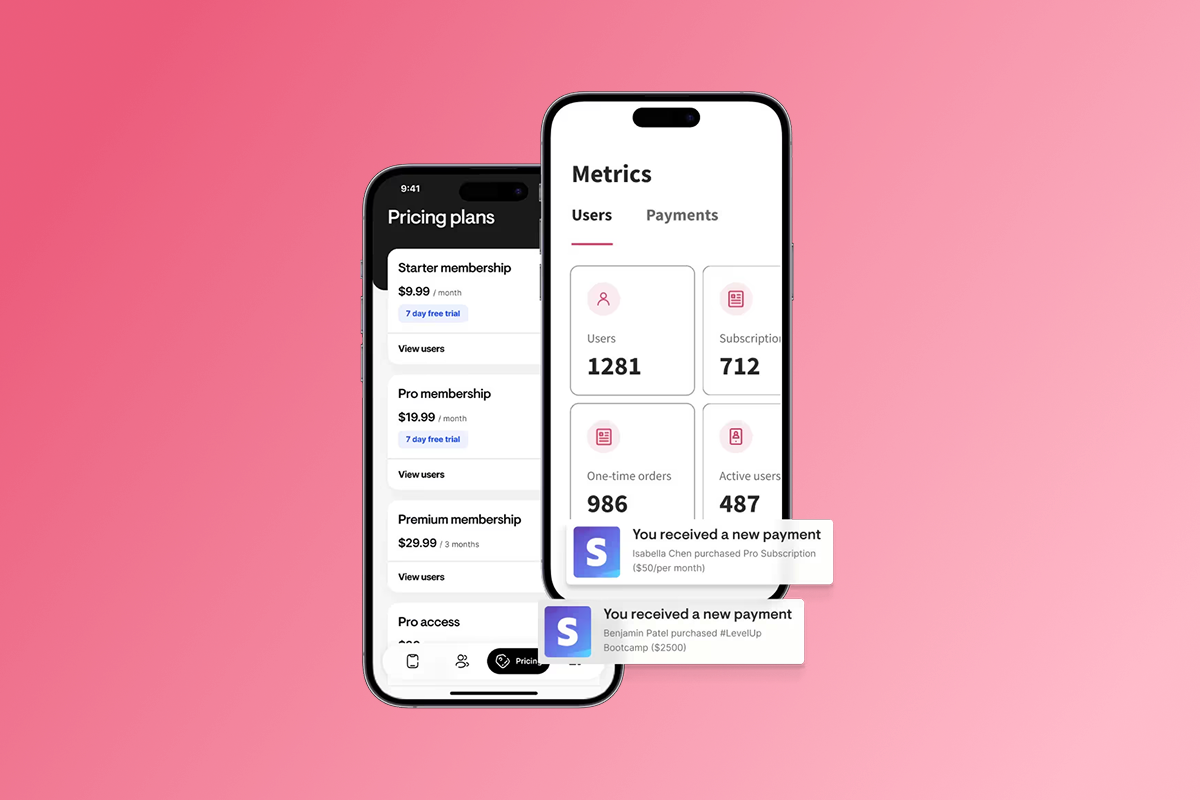
Passion.io gives you a real branded app on iOS, Android, and web, with push notifications, in-app community, and subscriptions built into every plan. You build it using a drag-and-drop editor with pre-built templates, upload your course videos, PDFs, and audio files, set your pricing (subscriptions, one-time, freemium, or bundles), and publish. No developers required.
Here's a realistic launch timeline:
- Weeks 1-2: Build your app in the drag-and-drop editor. Upload your core lessons. Set up subscription pricing (monthly and annual tiers work well together). Publish the web version.
- Week 3: Open your Apple Developer account ($99/year) and Google Play Developer account ($25 one-time). Submit your app for App Store review. On the Expand plan, submission support is included. On Launch and Scale, you follow Passion.io's checklist yourself.
- Week 4 onwards: Your web app is live and taking subscribers. Apple typically reviews most apps within 48 hours, though apps with subscriptions or in-app purchases can take 3-7 days and occasionally longer if escalated. Google Play timelines typically range from 2-7 days but can extend to weeks depending on complexity and any requested changes. Build in a buffer and actively promote the web app while you wait.
Fees to know before you launch:
- Launch plan: $119/month monthly or $99/month billed annually
- Scale plan: $299/month monthly or $239/month annually
- Expand plan: $699/month monthly or $599/month annually
- PassionPayments web checkout: 3.9% platform fee plus Stripe's standard processing rate
- In-app purchases via Apple/Google: 15-30% depending on revenue thresholds (Passion.io adds no additional fee on top of IAP)
- External checkouts processed outside PassionPayments: 0% Passion.io platform fee
Creators consistently point to the combination of platform and training as the deciding factor. As one reviewer put it:
"I have always wanted to create an app to make it more accessible for my clients, but could never afford it, this approach makes it affordable, easy, fun and really quick to do!" - Jane Mullins on Trustpilot
On the quality of hands-on support throughout the build process:
"Our support team has been so helpful and personable from day one... every penny of it was well invested from creation to launch." - Angie on Trustpilot
And on the experience of building without prior app development knowledge:
"Passion.io is super user friendly. I'm new to app development but the way the app is set-up causes my excitement to override my fear!" - Tiffany Jones on Trustpilot
Passion.io also provides training alongside the product to help you structure your offer, run your launch, and set up your push notification calendar. The app revenue automation tutorials and program launch checklists in the Passion.io ecosystem give you the operational scaffolding to back your push strategy with proper onboarding and sales funnels. Users credit that combination of platform plus playbook in both G2 reviews and documented case studies.
There is no free trial. Passion.io offers a 30-day money-back guarantee on all plans. Start with the Launch plan if you're below 100 active subscribers and move to Scale when you need higher user caps and more push volume.
Try Passion.io with a 30-day money-back guarantee and get your branded app live within weeks.
Frequently asked questions
What is the best time to send push notifications to coaching app members?
Typical best practice suggests sending between 9AM and 8PM in the recipient's local time zone. Early morning (7-9AM), midday (12-2PM), and early evening (6:30-8:30PM) tend to be higher-engagement windows for coaching and education content.
Do push notifications cost extra on Passion.io?
Push notifications are included in your plan, though volume caps vary by tier. The Launch plan includes 1,000 push notifications per month. Check the pricing page for Scale and Expand limits. Apple Developer ($99/year) and Google Play ($25 one-time) accounts are required for native app push delivery.
How do I measure whether my push notifications are working?
Track lesson completion rates before and after implementing a push cadence, monitor your DAU/MAU ratio (daily active users divided by monthly active users), and watch opt-out rates per notification type. High opt-out rates may signal you should revisit message value or frequency.
Can Passion.io push notifications reach users who haven't opened the app?
Yes. Native push notifications through APNs (Apple) and FCM (Google) deliver to the device lock screen regardless of whether the app is open, which makes them significantly more reliable than browser notifications or email for re-engagement.
How long does it take to get push notifications working after launching on Passion.io?
For your web app, push notifications become available once you add the integration script and users grant permission. For native iOS and Android push, you need to configure Apple Push Notifications through your developer account and complete App Store submission. Apple reviews most apps within 48 hours, though subscriptions and complex features can extend this to 3-7 days or longer in some cases.
Key terminology
Push notification: A message sent from an app to a user's device lock screen via Apple's APNs or Google's FCM, delivered without requiring the user to open the app or check an inbox.
DAU/MAU (Daily Active Users / Monthly Active Users): A ratio that measures how frequently your app members return. A DAU/MAU above 0.2 (20%) indicates healthy daily engagement for a coaching app, meaning one in five members logs in on any given day.
Churn rate: The percentage of paying subscribers who cancel in a given month. Reducing monthly churn from 8% to 4% roughly doubles the average lifetime value of each member.
IAP (In-App Purchase): Payments processed through Apple or Google's native payment systems within your app. Apple and Google retain 15-30% depending on your revenue level, and Passion.io adds no additional fee. Use PassionPayments web checkout at 3.9% plus Stripe for higher-margin transactions on bundles and annual plans.